
Activate
Activate your MyPark device.
Activation is self-serve. After your device arrives, create your MyPark account to start your subscription, pair your units to your spaces, set up or connect your Stripe account and choose daily, weekly or monthly automatic payouts, and manage renewal or cancellation anytime.
- Create your MyPark account. After your device arrives, create your account on the MyPark admin portal.
- Start your subscription. Choose your subscription and pay from your account. It renews automatically until you cancel.
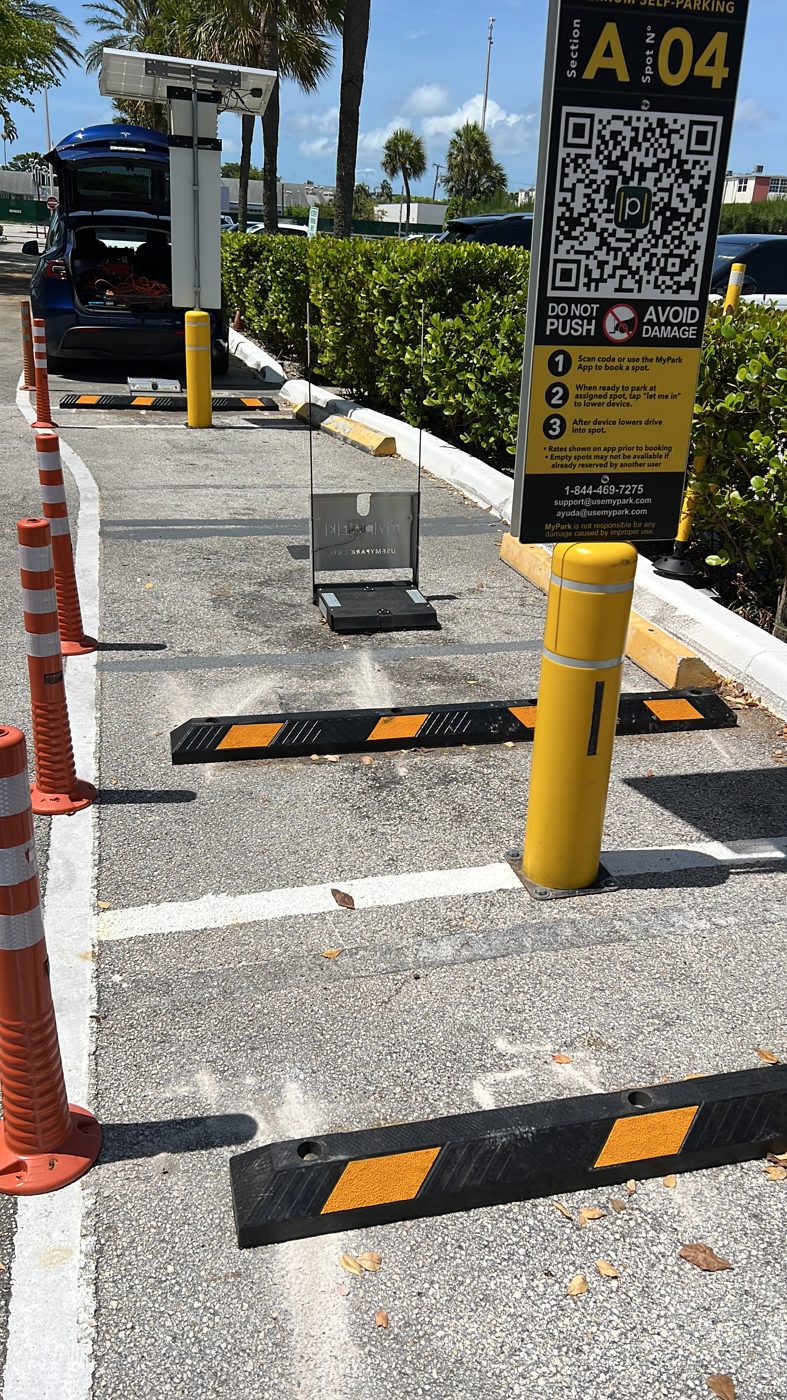
- Pair your units to your spaces. Link each installed MyPark unit to its parking space in your account.
- Set up your payouts. To receive driver payments, set up or connect a Stripe account and choose daily, weekly or monthly automatic payouts.
- Manage anytime. Manage renewal or cancellation anytime from your account.
An active MyPark service subscription is required to connect any MyPark device to the MyPark platform and accept driver payments. The subscription is sold separately and is not included in the device price. See subscription pricing. Revenue depends on location, demand, and use and is not guaranteed.
Questions? sales@usemypark.com · See also Activation FAQ.
See MyPark on your property. Book a demo